







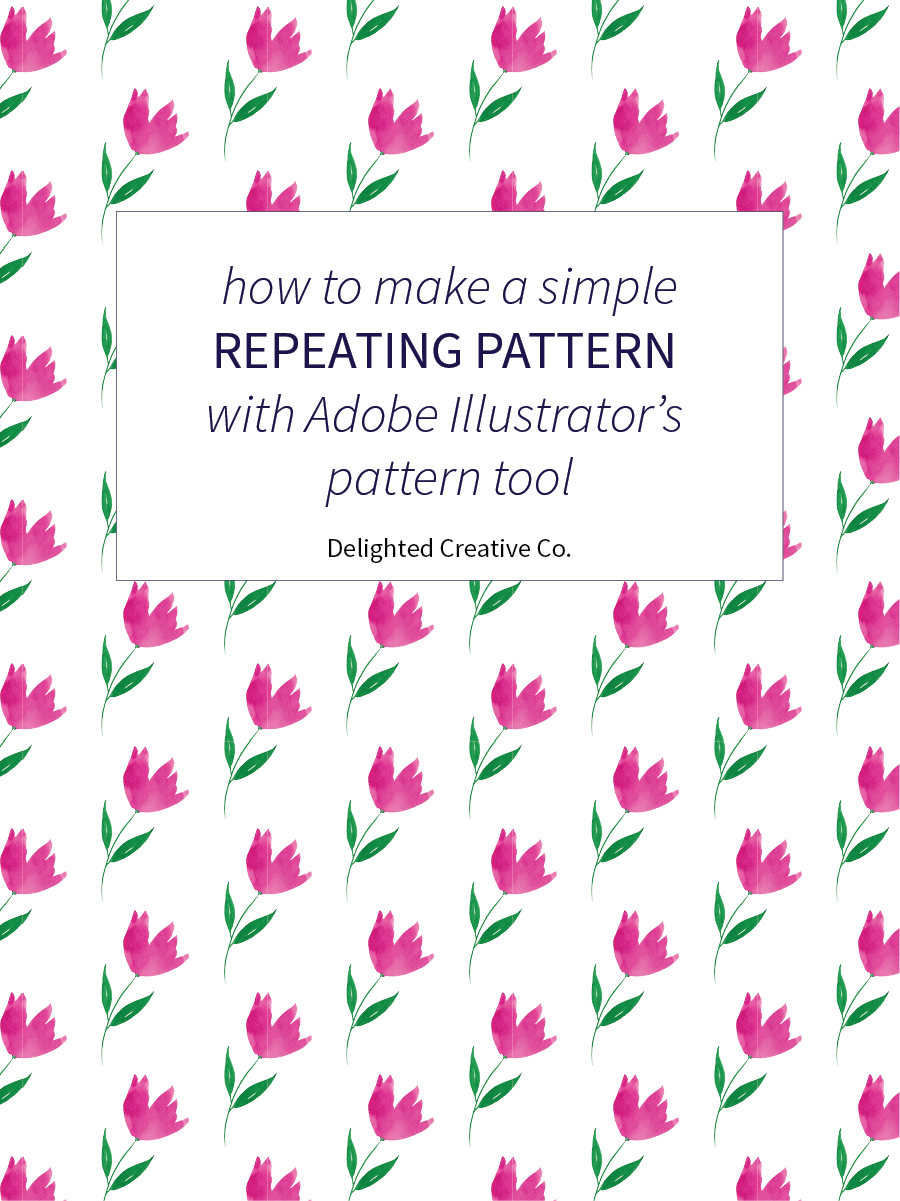
Somehow I completely forgot about Illustrator's built-in pattern tool and just rediscovered it for some simple repeats I've been making. This tool keeps equal spacing between motifs and I've found it to work best for fairly simple patterns and geometrics. It's fun to use because it seriously provides instant gratification. As in, you have a motif or element (such as the flower seen in my image below), and five seconds later you can have a pattern from that motif. If you haven't tried it, I think you'll love it.
I created a quick 4-minute tutorial video to show you how to use the tool. I hope it's helpful and feel free to leave a comment below if you have any questions.

Have fun making patterns!